
Hair and beauty
Hair and beauty booking software, sorted by how you actually work
A busy salon, a beauty therapist with two rooms and a mobile makeup artist don't share the same calendar. Konreservas handles appointments for all of them, and each sets it up their own way. Here's how to work out which applies to you.
15-day free trial · No card needed · No minimum term · From €19/month incl. VATBlack Friday: from €5.70/month for your first 3 months, incl. VAT
Built for businesses in Spain: Spanish VAT, Spanish banks (Redsys), support in English.


How your calendar works: staff, rooms or travel time
Whether your sign says salon, studio or clinic, what shapes your calendar is what runs out first.

You run out of staff. Everyone has their own spot, so bookings depend on who's available. Each stylist or therapist has their own hours and services.
You run out of space. You've got more people than rooms or desks at peak times. If no space is available, that time isn't offered even if staff are. You name your resources.
You run out of travel time. You go to your clients. Set your areas by postcode, with a margin before and after each visit. Out of area, the client can't book. See service areas and travel.
Booking software for every kind of beauty business
Hair salons and barbers




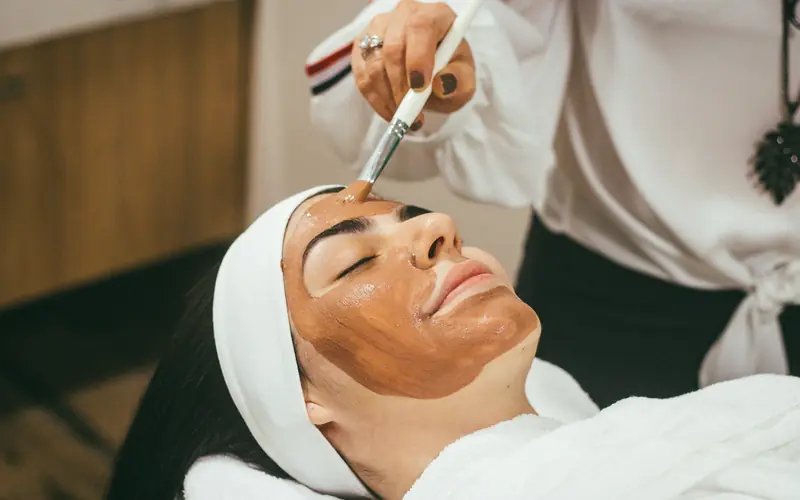
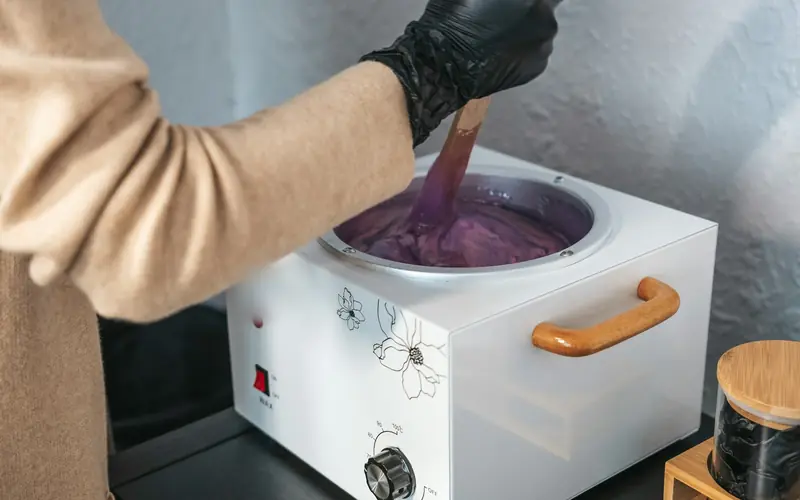
Beauty, nails, waxing, lash and spa

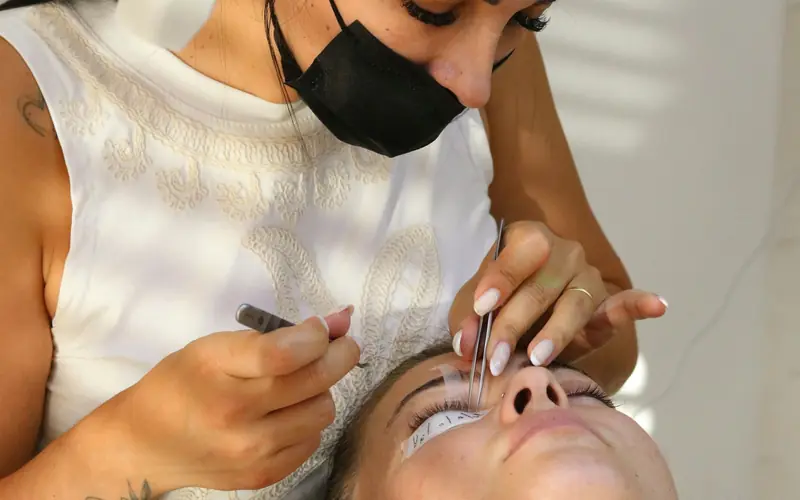



Tattoo and piercing


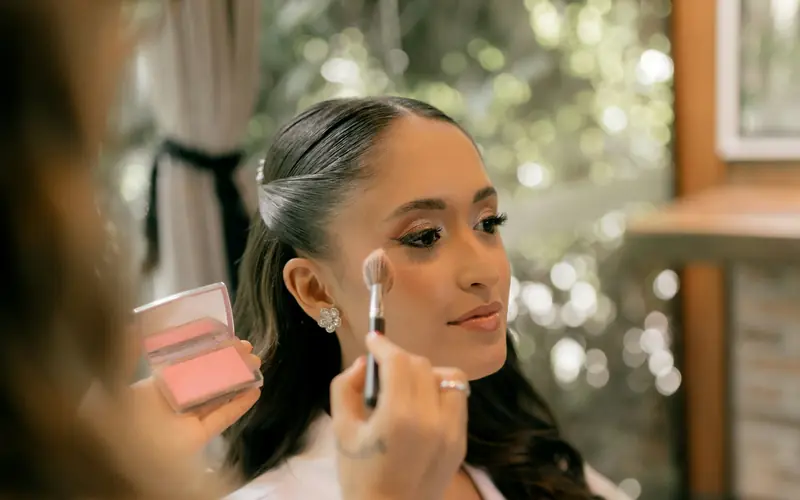
Mobile hair, beauty and makeup



- Your websiteBooking inside your beauty site
- WhatsAppA link for your clients
- InstagramOn your beauty profile
- GoogleYour salon or studio on Maps
- QR codeQR at your beauty reception

- Inside your websiteA code pasted into your page and booking shows up right there, sized to fit; or, if you'd rather, a button that opens it.
- One link for every channelInstagram, WhatsApp, your Google Business Profile, an email or a QR code on the salon or studio counter.
- Your client choosesService, day and time in moments, without signing up for anything.
- It appears in your dashboardStraight away, with the name and contact details of whoever booked.
What every beauty business gets: booking, reminders and payments
Online booking. Clients choose a service, a professional or anyone available, a day and a time. See how appointments work.
Your link and QR code. Each business gets a short link with its name, like reservar.konreservas.com/
The business calendar. By day, week and month, filtered by person, with each booking's status. Phone bookings go in from the dashboard: pick the client from your list or create her on the spot, inside the booking.
Client records and repeat appointments. Contact details, bookings and an internal note. For the client who's in every five weeks, set up their next appointments as a series from the dashboard.
Email and WhatsApp reminders. Konreservas sends a confirmation with a calendar file, reminders as far ahead as you choose, and change and cancellation notices, by email and in the client's language. Clients who choose WhatsApp while booking receive the same notices there, from message bundles you buy on top of your plan, and any booking lets you open a ready-written WhatsApp message. See appointment reminders.
Cancellation policy. Your time limits and what's refunded, per service or for the whole business, with four templates to start from. If you've set them, clients see the terms before confirming.
Google reviews. When you mark a service as done, your client gets an email with your Google Business Profile's review link to leave her opinion; everyone alike, and never after a cancellation or a no-show. Included on Team and Business; on Essential, €10 a month with VAT.
Treatment deposits and payment. A service with nothing to pay up front is confirmed as soon as the client books; for the rest you choose a fixed deposit, a percentage or the whole price. Clients pay online through your own Stripe account or your bank's virtual POS (Redsys), by bank transfer or at your premises, and you can send a payment link from any booking. See payments and deposits. To take payment without setting up any keys, turn on integrated payments from Konreservas with one button (what it costs is with your beauty business's payment options).
Session passes. Sell your treatments as passes: clients book with their code and see the sessions they have left in their portal.
Gift passes and gift cards. For Christmas or a birthday, one client treats another to a pass for treatments or a card with a balance, and picks the day the email arrives with the code and a PDF card carrying your salon's logo. The card can be spent over several appointments and, if it doesn't cover everything, the rest is paid separately.
English and Spanish. Clients book in either, and switching doesn't change prices or times.
Your team. Stylists, therapists and nail techs each get their own login. Whoever runs the business is the administrator, the front desk has the staff role, whoever works their own chair or room is a professional, and anyone who only needs to look at the calendar gets read only.
- Switched on in the dashboardWith a single button, no keys to paste and no trip to the branch.
- Stripe, in your nameCreate the account on Stripe's site.
- Paid with the bookingClients pay by card as they book and the amount goes into your account.

Integrated payments with Konreservas (Stripe): 0.5% on each payment you take, plus Stripe's fees. Security deposits you ask your customers for carry no Konreservas fee. See Stripe fees.
- Your own Stripe accountNo Konreservas fee. The catch is that you create and set up the Stripe account yourself, then paste its two keys into the dashboard, which walks you through every step.
- Your bank's virtual POS, via RedsysWith the virtual POS you get from your business's bank, you're paid through Redsys, the gateway Spanish banks use, with no Konreservas fee. The bank sends three details (the FUC or merchant number, the terminal and the signing key) and the dashboard helps you paste them in.Payment gateway: RedsysBanks: CaixaBankSantanderBBVASabadell and other banks
- Bank transferThe client's transfer comes in and that's when you mark the appointment confirmed.
- Cash or card, in personClients pay at the salon, clinic or studio once the service is done.
Hair and beauty under one roof
Plenty of businesses don't fit one label: a salon with a beauty room at the back, or nails and brows in one studio. Some services need a room, others don't, and each is set up on its own. A cut only looks at the stylist. A facial looks at the therapist and the room. Clients see them together and can book up to five services in a row.
You can also offer appointments at your premises and home visits in the same account. And if you have two salons, a business can have several locations, and clients choose which one to book.

Before you open your calendar to bookings
- Your services, with how long each one takes.
- Who's on your team and when each of them works.
- Your rooms or desks, if you use them, or your areas, if you travel.
- Where your booking link will go: your bio, your messages or the sign at your premises.
- Your regular clients: upload them yourself from a CSV, on any plan. On Team and Business we move it across from your current software for free, along with services, team and upcoming appointments.
- If you want treatment deposits up front: your Stripe account, which you create with one button in the dashboard, or your bank's virtual POS. Bank transfers and paying in person work too.
Pick your activity from 11 categories and start with suggested services and hours, which you can change. Before you decide, see how a client books in the hair salon and nail salon demos.
Renting out rooms or chairs? See Konevent
If you rent a room by the hour or a chair by the month to another freelancer, what's booked is the space, not a service. That's what Konevent, our sister product for space hire, is for: see how renting out rooms and chairs works.

Beauty booking software: frequently asked questions
I run a salon and do beauty treatments too. Do I have to choose?
No. You can have services with and without a room in the same business, and clients see them together.
Does it work if I'm on my own?
Yes, at your premises or travelling to clients. With one person, clients don't have to choose a professional, and if you work alone at your premises you don't need rooms or desks.
Is there a template for my kind of business?
Yes. When you subscribe you pick your activity and start with suggested services and hours, which you can change. Hair salon or barbershop comes with cuts, colour and styling, and Beauty treatments or nails also brings a treatment room for the services that need one.
Can I take a deposit so I don't lose long appointments?
Yes, on whichever treatment you like: a set sum, a percentage or its whole price. The slot is held while the client pays, and if they don't pay in time, it's released.
Can you move my clients and appointments over from my current software?
On Team and Business, migration is free: clients, services, team and hours, and upcoming appointments, as long as your current software lets you export them. On every plan you can import your clients as a CSV, with a trial run first.
Can I put booking on my website or Instagram?
Yes: your link in your bio and your messages, a QR code for your premises and a widget to paste into your website.
Do I need to install anything?
No. Clients book through your link with nothing to install, and you use the browser or the iPhone and Android app.
What does Konreservas cost a beauty business?
You pay month by month, VAT included and with no minimum term: Essential, €19; Team, €49; Business, €79. Salon, clinic or studio, all three plans give you the calendar, online bookings and payments; Team and Business add winning back customers, reports per professional with targets and team commissions. Then there are Google reviews, which email the client after each service you mark as done, asking for her opinion on your business's Google Business Profile. Team and Business include them, and on Essential they're a €10 a month add-on with VAT included. On top of that, Team and Business add free migration from your booking software, where possible. To take deposits without any keys, your hair and beauty business switches on integrated payments with one button: the cost of each payment is listed with your beauty business's payment options. Konreservas keeps no commission per booking when you take payment through your own provider (your Stripe account or your bank's virtual POS via Redsys, connected with their keys), by bank transfer or in person; any fee your payment provider takes is separate and stays between you and them. Each plan is set out on the pricing page.
Start taking beauty bookings online
Start your trial, say what kind of beauty business you run and a service menu is proposed for you; the dashboard flags whatever is missing before your calendar opens.