
Table reservations
How the table booking system fills your room
Guests say how many they are and when they'd like to come, and Konreservas finds them a place: the smallest table they'll fit at, tables that join up for groups, how long each group stays and a cap on arrivals per slot so the kitchen isn't swamped.


What a table booking system gets you
They book on their own
Party size, day and time from their phone, without calling you.
The right table
The smallest one they fit at: your six-top isn't used up by two people.
Large groups
Tables that can be pushed together are taken together when needed.
The kitchen keeps pace
A cap on covers per slot, so everyone doesn't arrive at once.
Choosing the table
Guests give a party size; the system picks the table
With online table booking, guests only choose how many they are, the day and the time. Konreservas looks for the smallest table they'll fit at, so a six-top isn't used up by a couple.
- Each table has a name and how many it seats: two to four, four to six…
- Guests don't see or pick tables: the system allocates them.
- Only times when that party really fits are offered.
- If two people go for the last table at the same moment, only one gets it.

Your rules
The four rules behind each table
You set them once in the dashboard and they apply to every table booking: the ones from your website and the ones you add yourself.


Choosing the table
Guests only give their party size. The system takes the smallest table they'll fit at.
Joining tables
You say which tables can be pushed together. A party too big for one table takes the joined tables.
Seating time by group size
Two people and a table of ten don't stay as long: you set bands by party size, and the table is held for that time.
Pacing the kitchen
A maximum number of covers every so many minutes. Leave it blank if you don't need it.
Large groups
Tables that join up for larger parties
You say which tables can be joined and how many guests the join seats. When a party too big for one table books, all the tables in the join are taken.
- Join two to eight tables, with the minimum and maximum party size for that join.
- Changing or deleting a join doesn't touch bookings already made: they keep their tables.
- Without any joins set up, a party bigger than your largest table can't be seated.

A Friday night
How your room fills up, step by step
An example with made-up numbers: four tables for 2, three for 4, tables 4 and 5 can be joined, and a limit of 10 covers every 15 minutes.
A couple books for 21:00
They get a table for 2. The fours stay available.
Six book for the same time
No single table seats six: tables 4 and 5 are used together, and both are held.
Four more try to come in
That would make 12 covers in the slot, over the limit: that time isn't offered, even with a table for 4 still open. They can come a little later.
Each group's time is up
Those tables go back on offer for the next sitting.
Pacing
So the kitchen isn't hit by everyone at once
You set a maximum number of covers every so many minutes. When a slot is full, that time stops being offered and guests choose another.
- For example, fourteen covers every half hour. Blank means no limit.
- If you have several locations, each one has its own tables and its own pacing.
- Opening hours can have several periods a day: one for lunch and one for dinner.
- Each group's seating time decides when their table is free again.
In the dashboard
Phone bookings, in the same room
Someone calling or turning up at the door takes a table too. Add them in the dashboard and they count just like bookings from your website.
- A table booking can be logged with just a name; without an email, the guest gets no notices.
- You can skip the pacing limit on a single booking, if you can see the kitchen will cope.
- The room view shows you, day by day, each table with its bookings and how many it seats.
- If the party size changes, seating time and table are worked out again and the guest is told. If you only move them to another table at the same time, there's no need to tell them: they don't see tables.
Confirmation and deposits
How each table booking is confirmed
You choose it service by service: direct booking, a request you review, or a deposit when booking.

Direct
If the service takes no deposit, the table is booked as soon as the guest finishes asking for it.
As requests
For parties you'd like to see first, set the service up as requests: the table is set aside with nothing charged until you say yes or no. If your time to answer runs out, it goes back on offer and both sides are told.
Deposit per service
A fixed deposit, a percentage or the full price, whatever the size of the party. The table is held for the time you set and, if it isn't paid, it's free again.
Price per guest
A table service can be priced per booking or per guest.
Notices
Confirmation and reminder by email in the guest's language, and by WhatsApp if they tick the box when booking.
What you ask
A booking asks for a name and email, and a phone number if they want to give it. Plus whatever the business chooses to ask, such as whether they're bringing a pram.
Before and after
From a notebook to a table booking system
What changes in your service when tables book themselves.
| Notebook and phone | With Konreservas |
|---|---|
| You pick up the phone in the middle of the rush. | Tables get booked from a phone, even after the kitchen has closed. |
| A couple ends up on the six-top. | They get the smallest table they fit at. |
| You push tables together on the fly. | The joins you've set up are used automatically. |
| Twenty walk in at nine and the kitchen jams. | Pacing spreads the arrivals out. |
| You guess when a table will be free. | Each group has its seating time and the table goes back on offer. |
Good to know
Worth knowing before you start
So you can decide with everything in front of you.
A list, not a floor plan
Each table is a line, with no floor plan. If you run service from a visual map, bear that in mind before you decide.
Terrace and walk-ins
Tables are one list: the ones on it are offered online, and what you add manually is taken.
Regular tables
Each table booking is made separately: table bookings don't repeat.
Orders and the bill
Kitchen orders stay in your own system; the bill, if you like, you take at the Konreservas till, with its receipt.
The whole venue
Konreservas books a table for a party, at a set time. Hiring out the whole venue for an event is a different kind of booking, and it isn't handled here.
Wherever you are
Use it in your browser or with the iOS and Android app.
Where it fits
Restaurants and food businesses
Table bookings are for restaurants, bars and eateries. If you also run tastings, courses or tours, those are booked by places.
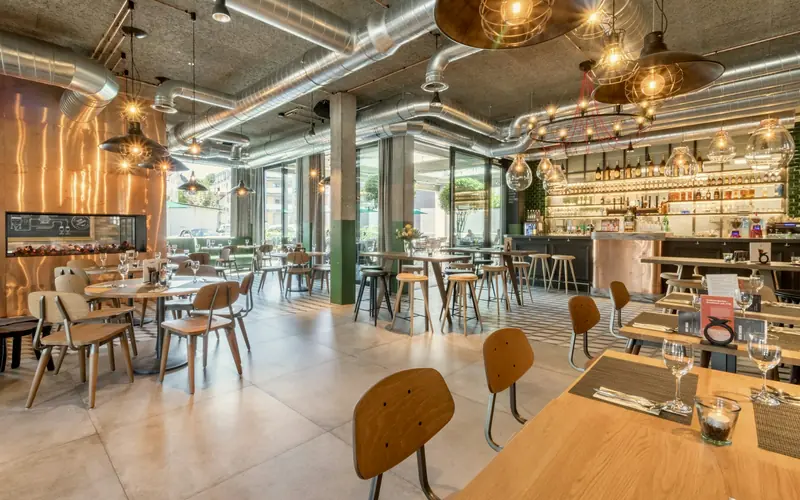
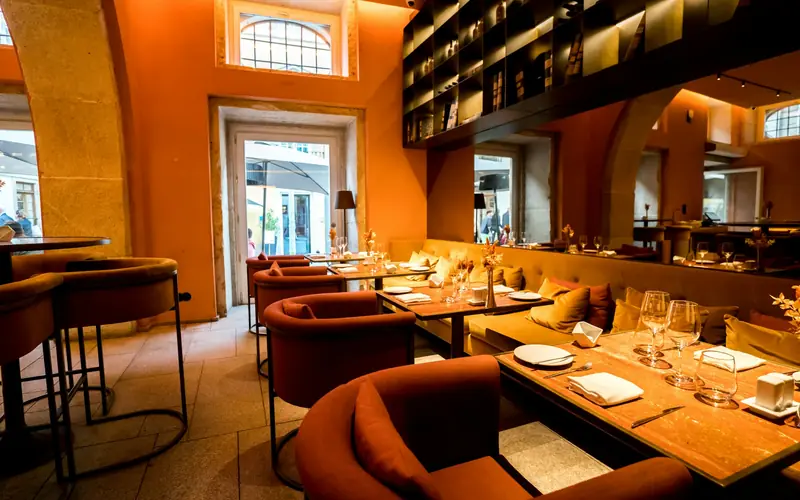



- Try the demo: RestaurantA table by party size, day and time.


Frequently asked questions
Can guests pick their own table?
No. They give a party size and a time, and the system allocates.
What if the party size changes?
Change it from the dashboard. Seating time and table are worked out again using your current settings.
Can I keep tables back for walk-ins?
You can add a walk-in from the dashboard, and their table is then taken. Tables on your list are offered online.
What if the sitting is already full?
With the waiting list switched on, guests join it for that sitting and say how many they are. When a table comes free, the first in line gets an email, and a WhatsApp if they asked for one, with a link that holds it for a few minutes, say, fifteen, and if they don't take it the next person is told.
Do I have to approve each booking?
Only on the services you mark. If a table service doesn't ask for advance payment, the booking confirms itself. If you mark it as a request, each table waits for your answer, set aside and uncharged, and goes back on offer if you don't reply in time, with a notice for you and for the guest.
Can I take a deposit on a table?
For each service, you can ask for a fixed deposit, a percentage or the full price. It applies to that service, whatever the size of the party.
How much does it cost?
The fee isn't charged per cover: your restaurant pays a fixed monthly amount in euros, VAT included and with no minimum term: Essential, €19; Team, €49; Business, €79. Joinable tables, length by party size and arrival limits come with all three plans; Team and Business add free migration of your customers and upcoming reservations from your current system, wherever possible. If you ask for payment when guests book a table with integrated payments, which turn on with one button: 0.5% on each payment you take, plus Stripe's fees. Security deposits you ask your customers for carry no Konreservas fee. See Stripe fees. With your own Stripe account, your bank's virtual POS through Redsys, bank transfer or payment at the table, Konreservas charges no commission per booking; your payment provider's fee is separate. See the amounts on the pricing page.
Set your own rules for your room
Start with your tables, your joins and your opening hours.