
Multi-language
A booking system in two languages: English and Spanish
Run your business in English while your customers book in Spanish, or the other way round. If you're a tour guide, a winery with visitors or a language school, you can stop translating bookings by message. Customers book in whichever they prefer, and switching language doesn't change the prices or the times.

What a multi-language booking system gets you
They pick their language
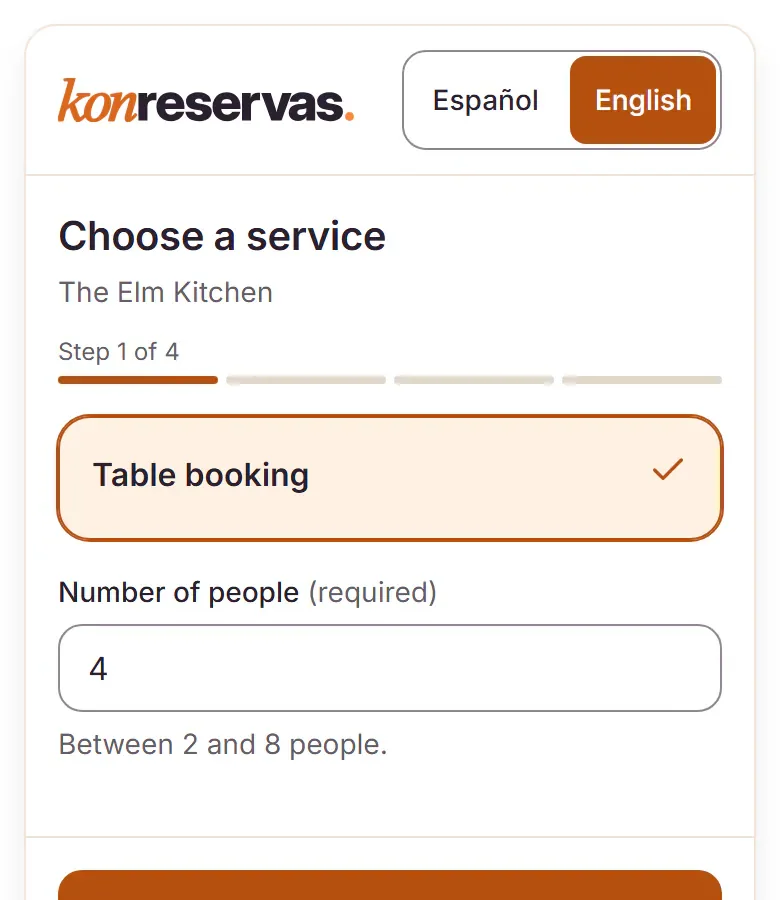
The widget has its own switcher: Español or English.
Notices in their language
Confirmation, reminder and changes, in each customer's language.
Same price, same time
Language doesn't change prices or times: the time is your location's.
Your text, at your pace
Anything you haven't translated shows in the original.
Your customers
Customers book in their language, with one tap
The widget has an Español | English switcher at the top. Customers change it whenever they like, and the whole booking switches: the steps, the buttons, the messages and the confirmation.
- The same on your website, your link and your QR code: it's the same widget.
- The language they book in carries on into their emails and the portal where they see their booking.
- You and your team keep working in your own language.
Already translated
What's already in English and Spanish
You don't have to translate any of this: it comes ready in both languages.

The widget
What customers use to book, with its language switcher.
The dashboard
For you and your team. You can work in English while your customer books in Spanish.
The login
The screen for signing in to your account, in both languages too.
Emails and reminders
The confirmation, reminder, changes and cancellation, in each customer's language. The notices that reach you and your team go in each person's own language.
Their booking portal
Where customers see their booking and manage changes, with the same switcher.
If customers tick the box when booking, their WhatsApp notices also arrive in their language.
The part you write
A version of your services in the other language, whenever you like
You write your own service names and descriptions. Next to each one there's an optional version in the other language. If one is missing, the original is shown.
- You don't have to translate everything on day one: your “Corte de barba” shows in Spanish until you add its English version.
- If you rename a suggested service, remember to write its translation as well.
- The price and length are the same in both languages.

And the rest
Your questions, payment methods and passes, in both languages too
Everything else you write for your customers has a version in the other language as well.
Your questions
The help text for each booking question and the options in a list.
Your payment methods
The name customers see, its text and the instructions, such as bank transfer details.
Your passes
The name and description of each session pass; if you leave them blank, the original name is shown.
Each customer
Each customer in their language, even when you write to them
Each customer's record keeps their language: the one used to write to them. Anyone who hasn't chosen another gets your business's main language.
- From a booking, the WhatsApp button opens the message already written in the customer's language; you check it and send it yourself.
- When you import your customer list, you can bring each customer's language with it.
- Your business's main language doesn't change prices or opening hours.

Same price, same time
A language isn't a country
Choosing English says nothing about where your business is or where your customer comes from. The language is only the language.
- The price stays the same, and prices and payments are in euros.
- Times are shown in the location's time zone, even if the customer books from another country: they see the local time at the place they're coming to.
- Your diary's rules don't change either: the same slots for everyone.

Getting it going
A multi-language booking system in four steps
What you do, and what happens on its own.
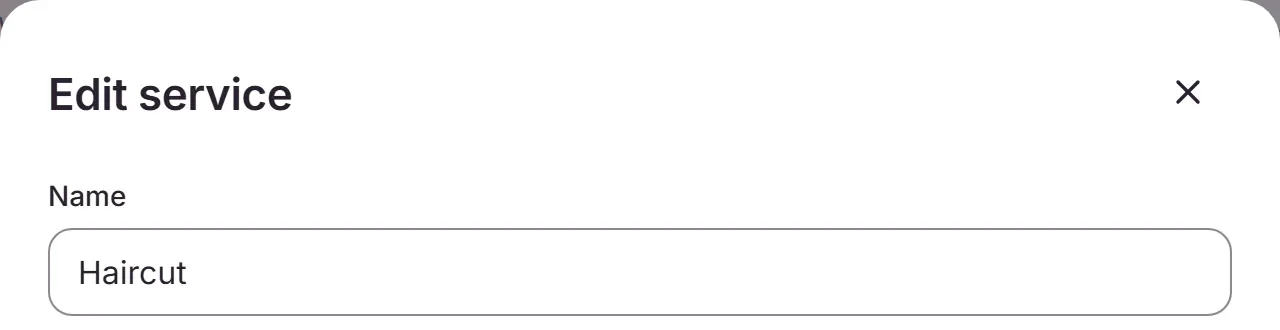
Write your services
In your language, like any other business.

Add the other version
For whichever services you like, whenever you like.
Share your link
The same one for everyone: the language is switched in the widget itself.
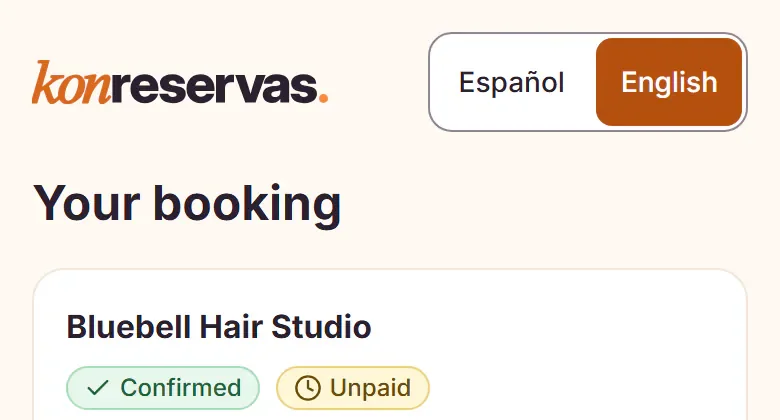
Customers stay in their language
Their emails and their portal come in the language they booked in.


Before and after
From translating by message to a multi-language booking system
What changes when customers from abroad book on their own.
| Booking in one language | With Konreservas |
|---|---|
| You translate times and terms by message. | Customers book on their own, in their language. |
| You write every confirmation in another language. | The confirmation and reminder go out in their language. |
| A visitor isn't sure what time it really is. | They see the local time at the place they're coming to. |
| You have to translate everything before you start. | Anything you don't translate shows in the original. |
| You write to them manually on WhatsApp. | The message comes ready in their language: you check it and send it. |
Good to know
Before you open booking in English
The details of running two languages that are worth being clear on.
Two languages
English and Spanish. Others, such as French, German or Catalan, aren't included.
No machine translation
Whatever you write, you translate yourself.
Currency
Konreservas works in euros, for prices and payments. If your business charges in another currency, get in touch before you decide.
Where it fits
Businesses with customers from abroad
It works for any business with customers from elsewhere. A few examples, so you can see how it looks.


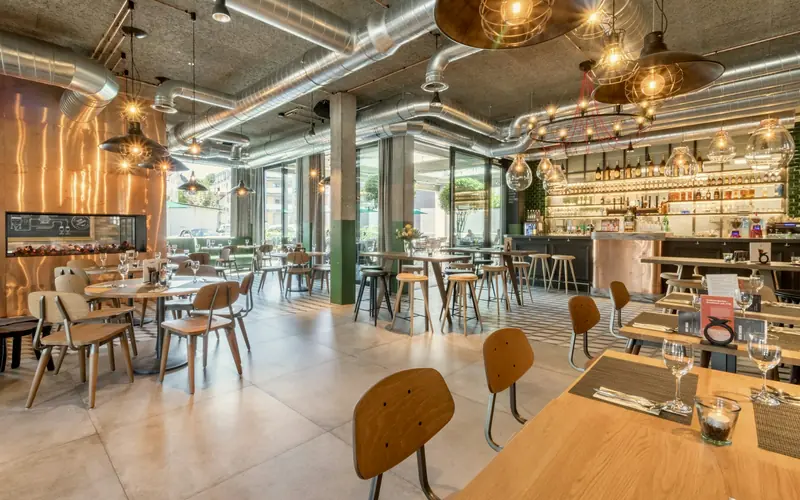


- Try the demo: WineryBook a tasting at the example winery, in English or Spanish, as a visitor from abroad would.


Frequently asked questions
Which languages does it support?
English and Spanish.
Who does the translating?
The product itself is already in both languages. Whatever you write, such as your services, you translate yourself.
What does a customer see if I haven't translated a service?
The original text.
Which language are emails sent in?
Each customer's own, the one kept on their record. If they haven't chosen another, your business's main language.
Does booking in English change the currency?
No. Prices and payments are in euros, whichever language is used.
How much does it cost?
Booking in English is included: both languages come with all three plans, paid monthly in euros, VAT included and with no minimum term (Essential, €19; Team, €49; Business, €79). Language doesn't depend on the plan: on any of them, your customer switches language and neither prices nor times change, your services can carry an English version (if it's missing, the original is shown) and the payment page and notices reach them in their language, and Team and Business add free migration from your current system, wherever possible. Every plan includes the calendar, online booking, payments and reminders. Team and Business add winning back customers, reports per professional with targets and team commissions; Google reviews come included on Team and Business, and cost €10 a month, VAT included, on Essential. If you take payment at booking with integrated payments, which you turn on with one button: 0.5% on each payment you take, plus Stripe's fees. Security deposits you ask your customers for carry no Konreservas fee. See Stripe fees. Whichever language your customer pays in, through your own Stripe account, your bank's virtual POS via Redsys, bank transfer or at your business, Konreservas charges no commission per booking; whatever your payment provider charges is separate. See the plans on the pricing page.
Stop translating bookings by message
Start in your language and add the other one whenever you like.